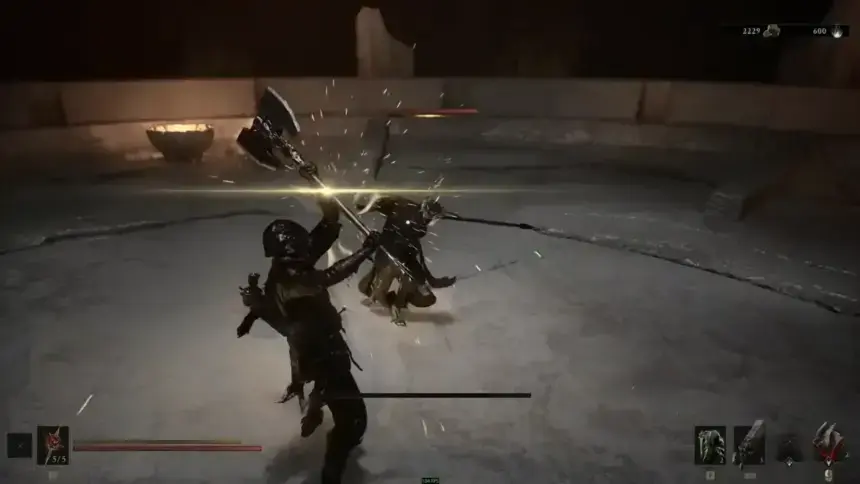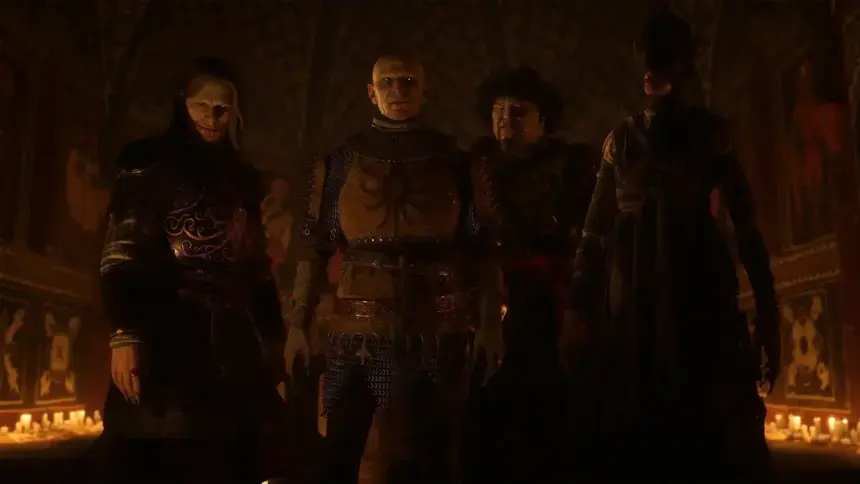
Mortal Shell 2 does not have normal Easy, Normal, or Hard difficulty options in the settings menu. Instead, the difficulty for combat and exploration is linked to two hidden items you can find in the world. Pick up the Slayer Seal and equip it for an easy ride, or find the Gloombound Flame and unlock Night Mode for a tougher one with deadly enemies. Both are optional, reversible in different ways, and change more than just numbers on enemies.
I actually like this approach because you discover the difficulty changes within the game instead of choosing one before the first fight. The important thing is to know what each option does before you commit, especially with the Slayer Seal.
This article is a part of our Mortal Shell 2 Walkthrough and Guides Wiki hub.
Mortal Shell 2 Difficulty Explained
Right out of the Prologue, you play on the game’s baseline difficulty. This is the standard Soulslike loop: level your Shell, build your loadout, push through the story, and take down bosses as you go. Mortal Shell 2 drops stamina management compared to a lot of genre peers, so even this “default” setting plays a little looser than something like Dark Souls or Elden Ring.
There are three difficulty types in Mortal Shell 2:
- Default Difficulty: The standard game mode enabled from the start.
- Slayer Seal: A powerful modifier that greatly reduces the difficulty of regular gameplay.
- Night Mode: A harder version with strong enemies and additional content.
The game is initially balanced for you to play on standard difficulty. You still have the usual Soulslike pressure like limited healing on long routes, dangerous enemy groups, tough runbacks, and bosses that punish panic rolls. As you progress, your weapon levels, Shell upgrades, tarstones, and healing items make your character strong.
How to Play Mortal Shell 2 on Easy Mode
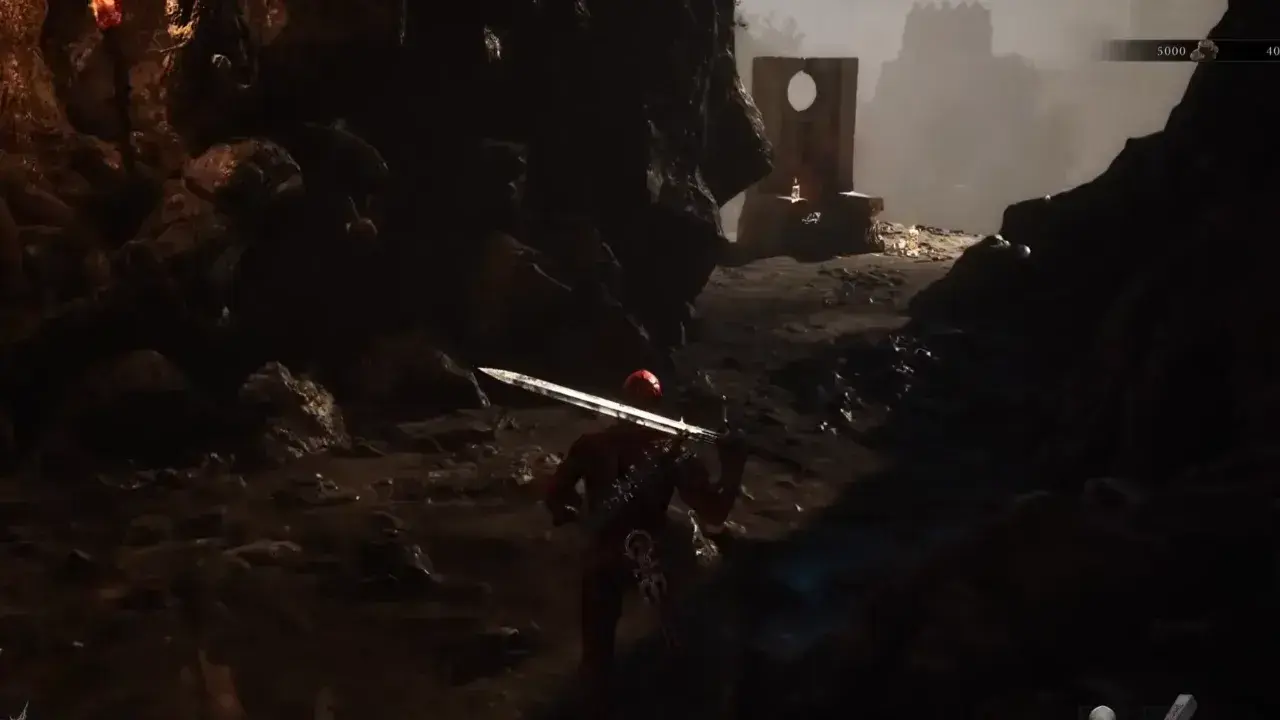
To play Easy Mode, you must go to Marrow Keep and activate the Beacon in the room. From the Beacon, find the passage leading away from the main interior and follow it outside. Keep moving through the overgrown path until you reach the area with the large stone throne near the cliffside known as the Magnificent Seat.
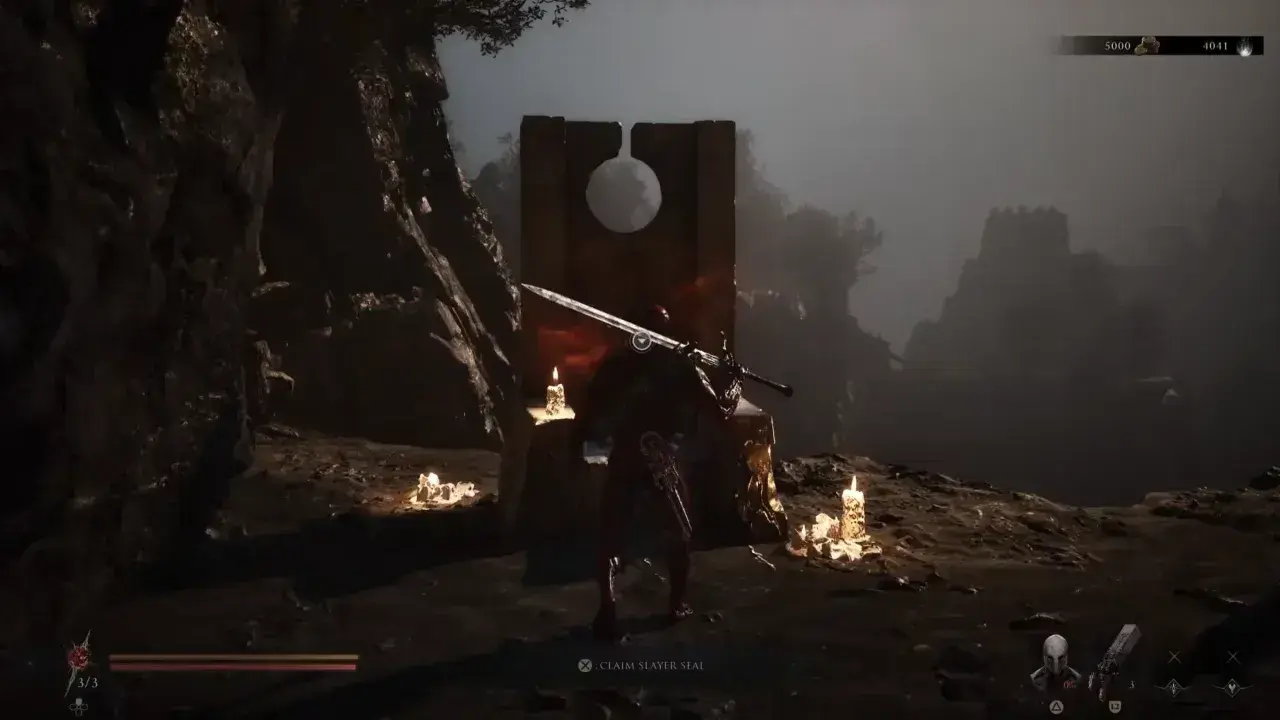
The glowing item resting on the throne is the Slayer Seal. Pick it up, and it will be added to your inventory. You do not have to equip it immediately, which is important if your current focus is to unlock achievements.
What the Slayer Seal Does
The Slayer Seal changes several parts of combat at once, which is why it can make some difficult encounters easy peasy.
- Slayer Punch gives you a powerful charged attack. Hold the L1/LB button to activate it, then your character will launch forward with a heavy strike. The move can deal massive Break Damage and can trigger a riposte when an enemy’s break meter is filled.
- Your Sidearm also receives Break Damage, giving ranged attacks a much more powerful role in stagger-heavy fights.
- Most importantly, successful ripostes restore Health and Resolve, which allow aggressive players to recover resources by staying on the offensive.
It makes combat way more forgiving. Enemies that usually force you to be extra careful with spacing and healing become easy to control, since your buffed ranged attacks and ripostes offer better ways to break guards and recover.
Important Warning About the Slayer Seal
Equipping the Slayer Seal disables achievement and trophy progression on that save file. Picking it up is safe, but the penalty triggers when you equip it. The game sends a warning prompt before activation. If you later remove the Seal, it doesn’t restore achievement eligibility, so never use it on an achievement-focused run unless you are willing to lose progress on that save.
To work for achievement, I recommend keeping the Slayer Seal in your inventory and continuing to play on normal difficulty. A separate save for an Easy Mode playthrough is better to encounter the less hard battles without sacrificing your main progress run. The Seal is strong enough that this drawback is clearly intentional. It is not simply a cosmetic modifier or a minor adjustment to enemy numbers.
Note: You cannot parry when the Slayer Seal is equipped. Combat works differently here, so treat this as a particular setup rather than a normal game with a handicap. Keep that in mind whenever you swap between your normal save and a Slayer Seal challenge.
How to Play Mortal Shell 2 on Hard Mode
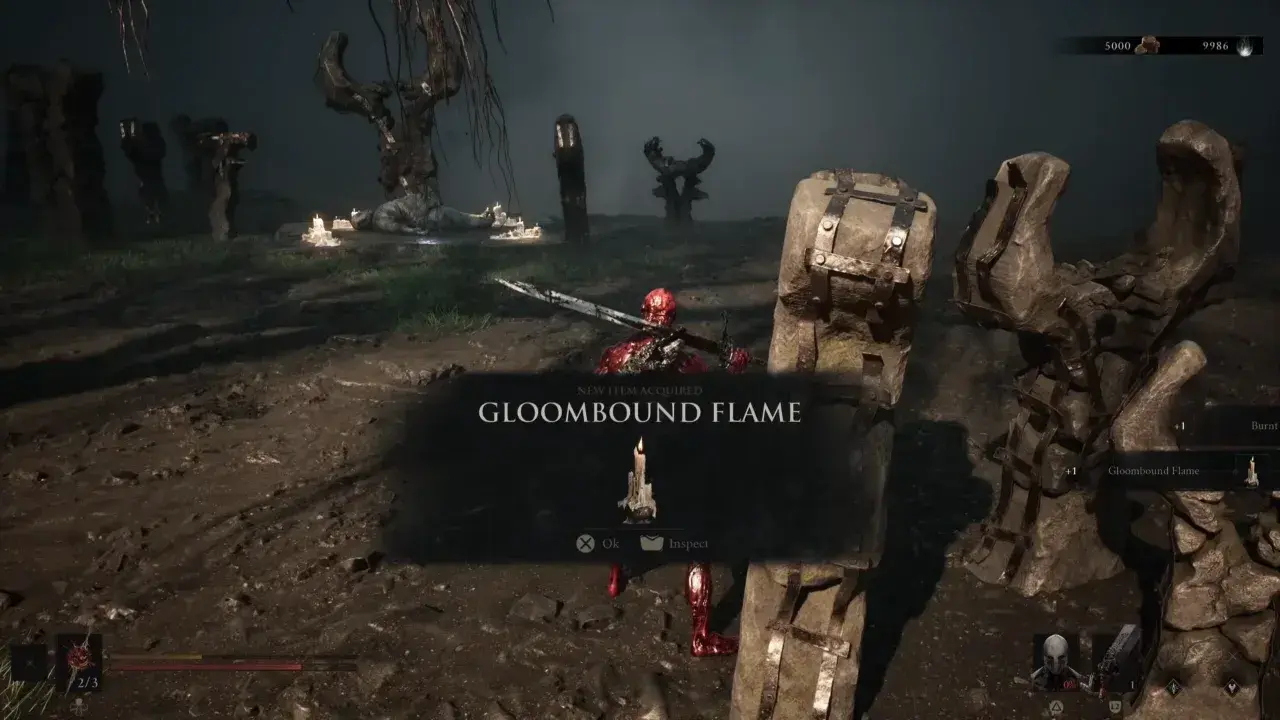
To have some good challenge to test your wits on Hard Mode, you need to acquire the Gloombound Flame. Travel to the Widow’s Overlook Beacon in the Fainweald region. Follow the path downward toward the muddy area with gravestones. The Great Arbiter of Flesh patrols this section, and the Gloombound Flame can be obtained close to the arena. You do not have to defeat the boss before collecting the Flame.
When I was setting up Night Mode, I would much rather grab the key item and leave than force an early boss fight just to unlock the Hard difficulty. You can return and defeat the Arbiter later when your Shell, weapon, and upgrades are in better shape. The creature is optional for progression, while the item is crucial here. After collecting the Gloombound Flame, return to Marrow Keep.
How to Activate Night Mode
- Take the elevator to the very top of Marrow Keep and go to the extinguished brazier.
- Use the Gloombound Flame on it.
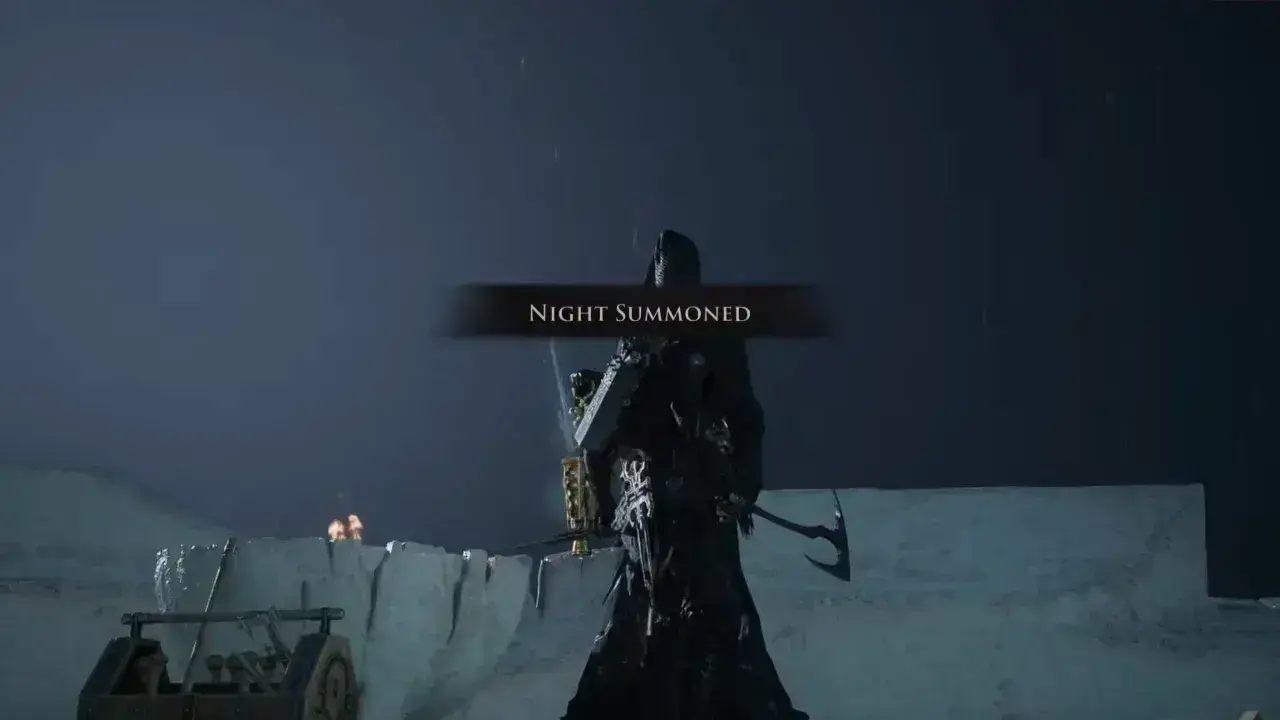
- Lighting the brazier summons Thestus. Speak with him and choose the option to call forth the night.
- The world will enter Night Mode, and the game’s difficulty will increase.
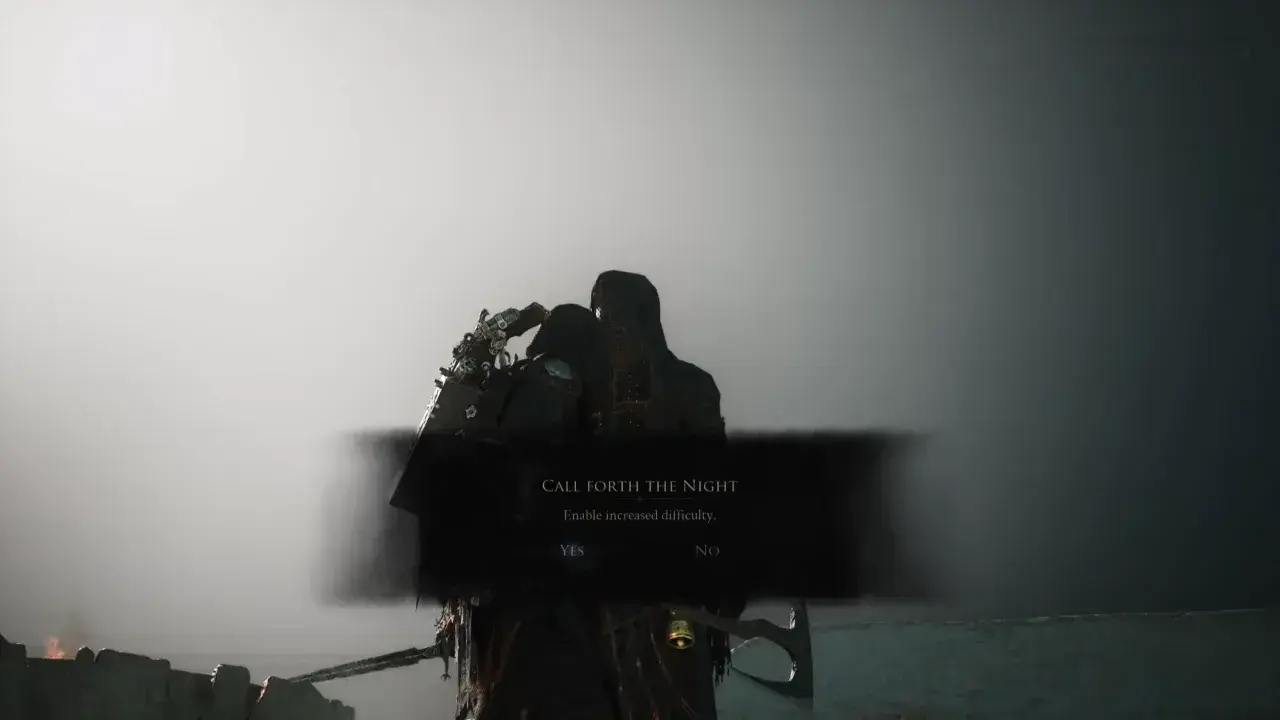
How Does Night Mode Work?
Enemies become more dangerous, with increased offensive power and strong overall combat pressure. You will also run into large groups of foes, turning locations that were easy during the day into real challenges.
Night Mode offsets these risks with better loot and unique content. Enemies can provide better resources, and certain NPCs, dungeons, and secrets only become available after dark. Keep an eye out for clues in the environment, as they often point to hidden things you can only find at night.
Can You Go Back to Normal Difficulty?
You can turn off Night Mode whenever you want. Return to Thestus at the same place atop and select the option to bring back daylight. The world will return to normal, and you’ll be free to change between the two settings as much as you like.
I’d suggest experimenting with Night Mode before you fully commit to it for your main playthrough. You can activate it to investigate night-only areas, farm better loot, or test your skills against a boss, then return to daytime whenever you want a more chill experience.