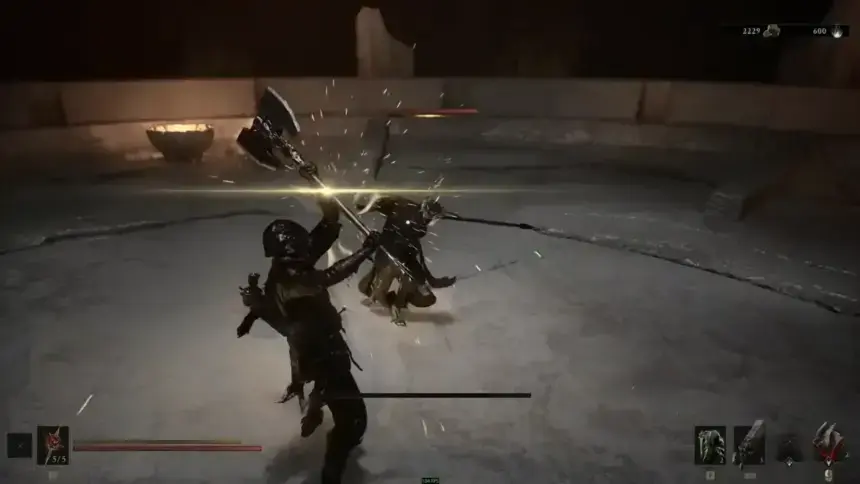
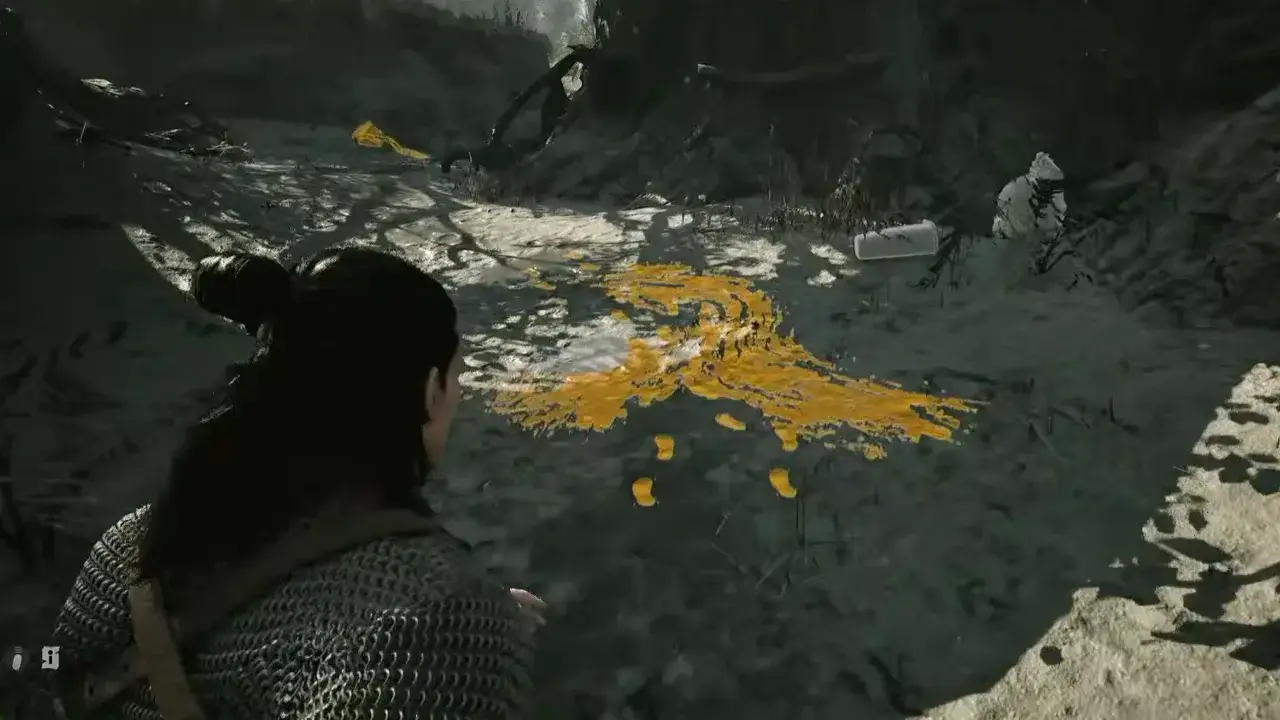
Focus Mode is Coen’s primary environmental scanner and one of the most useful exploration tools in The Blood of Dawnwalker, which works similarly to investigation vision in modern RPGs. It narrows your camera’s field of view, dims screen colors, and exposes crucial targets, clues, interactable objects, and even animals you can feed on at night across Vale Sangora.
How to Use Focus Mode in The Blood of Dawnwalker
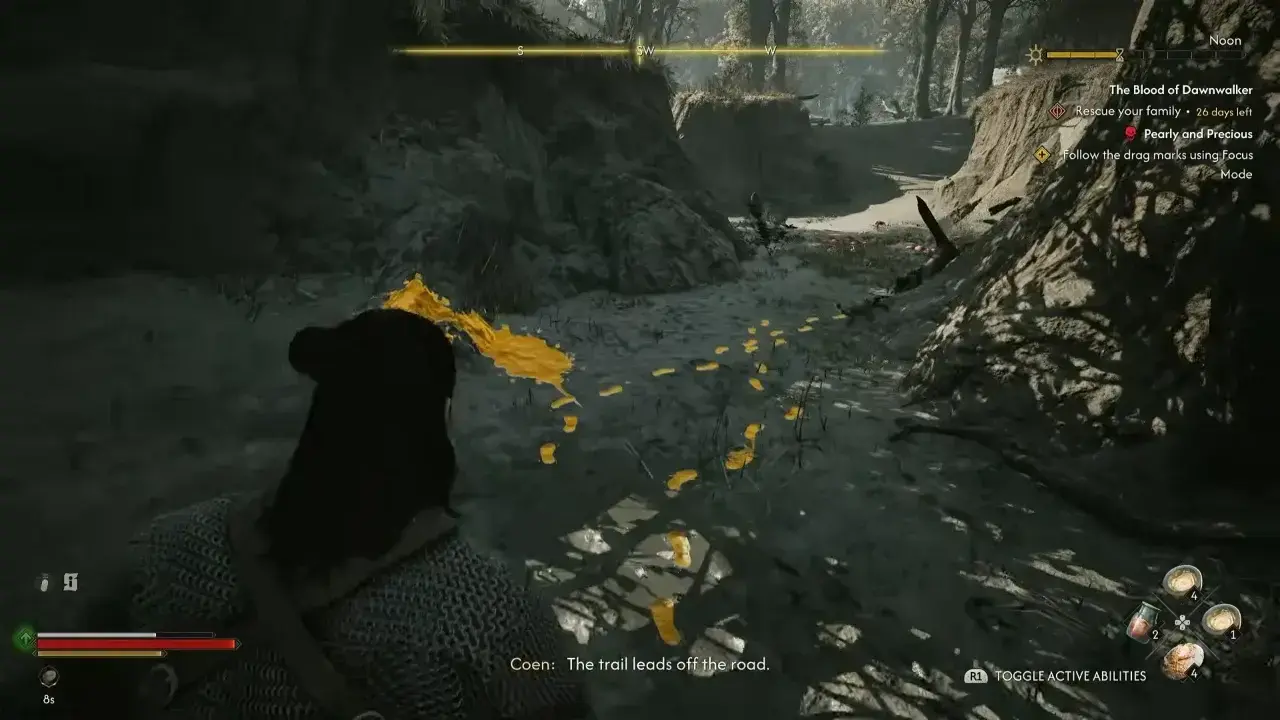
To activate Focus Mode, hold the Focus button for your platform:
| Platform | Control |
|---|---|
| PS5 | Hold L2 |
| Xbox | Hold Left Trigger |
| PC | Hold Right Mouse Button |
Coen’s view narrows while Focus Mode is active, making nearby points of interest easy to spot. Releasing the button exits the mode and returns your view to the normal camera.
Focus Mode is best treated as an investigation tool rather than something you need to keep active all the time, so use it when a quest points you toward a hidden clue or when the environment looks unusually quiet.



When active, Focus Mode highlights objects and entities using a strict color-coded system:
- Gold: Indicates crucial quest items and individuals involved in active objectives. These are the most important things to watch for when you are to advance an objective.
- Red: Outlines hostiles and enemy units. Be careful at night, because characters or friendly villagers can also appear red in Focus Mode even when they are normal NPCs. Do not use the color alone as a reason to attack.
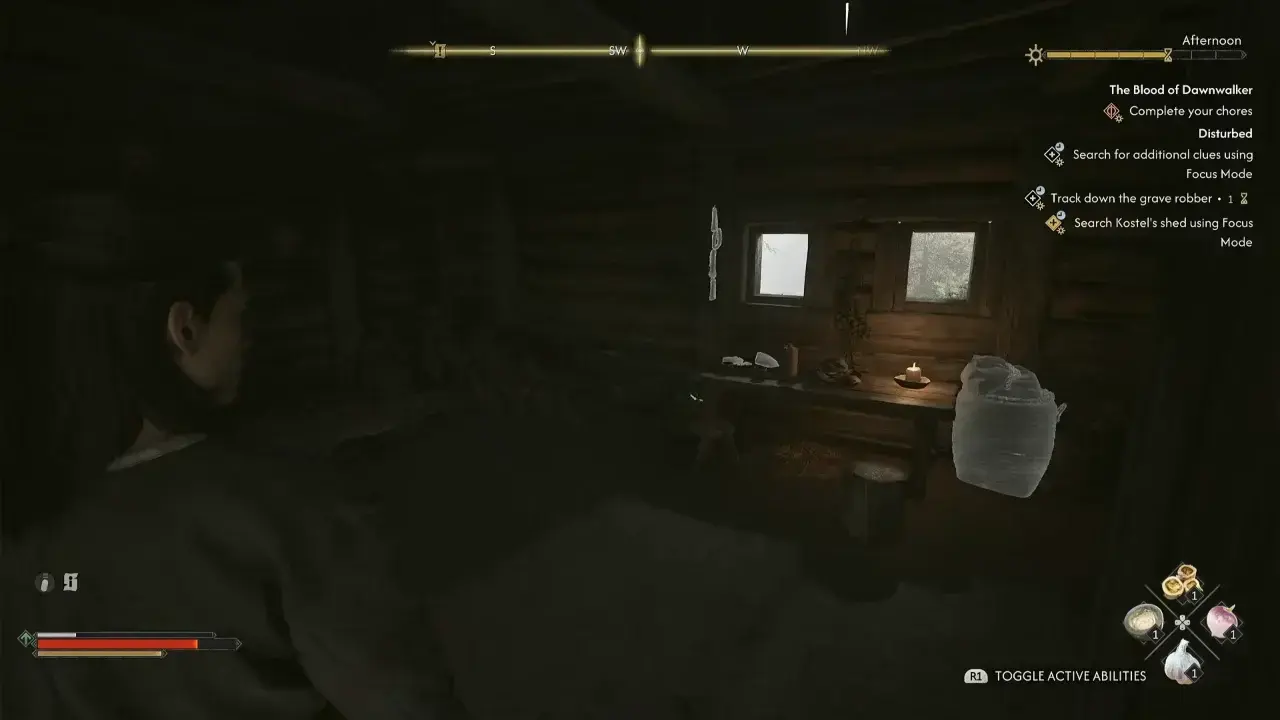
- White: Marks lootable containers, harvestable plants, and ordinary or non-quest NPCs. A white highlight does not mean an item is free to take, so check before looting, or you can turn an otherwise harmless interaction into a theft. Stealing white items from owned areas can trigger guards or local hostility.
Follow Hidden Clues
Some investigation objectives are deliberately difficult to spot during normal exploration. Focus Mode can reveal footprints and other environmental clues that are otherwise hidden.
Follow these traces when a quest asks you to locate a person by their footprints or drag marks, investigate an incident, or find the source of something that happened nearby. The reduced field of view also helps keep your attention on the ground and objects close to Coen, which is good when a clue blends into the environment.
Locate Shrine Hearts and Restore Desecrated Shrines
When you encounter a Destroyed or Desecrated Shrine, trigger Focus Mode around the site. It highlights clues like blood trails or tracks leading away from the structure. Following these trails reveals the location of the Shrine’s Heart, allowing you to recover it, repair the broken Shrine, and unlock a new fast travel network point.
Find Animals to Feed at Night
When night falls, Focus Mode helps you spot wild animals roaming around forests or countryside paths. Once you identify them, you can close in and use Voracious Bite to feed Vampire Coen on their blood.
It’s the easiest way to top off your vampiric bloodlust without the risk of getting corrupted by feeding on civilians. Just make sure to check your surroundings before you pounce, since you don’t want to accidentally start a fight and lose your chance to feed.
Focus Mode is only one part of Coen’s toolkit. For help with combat, exploration, quests, abilities, and other mechanics, see our The Blood of Dawnwalker walkthrough hub.