
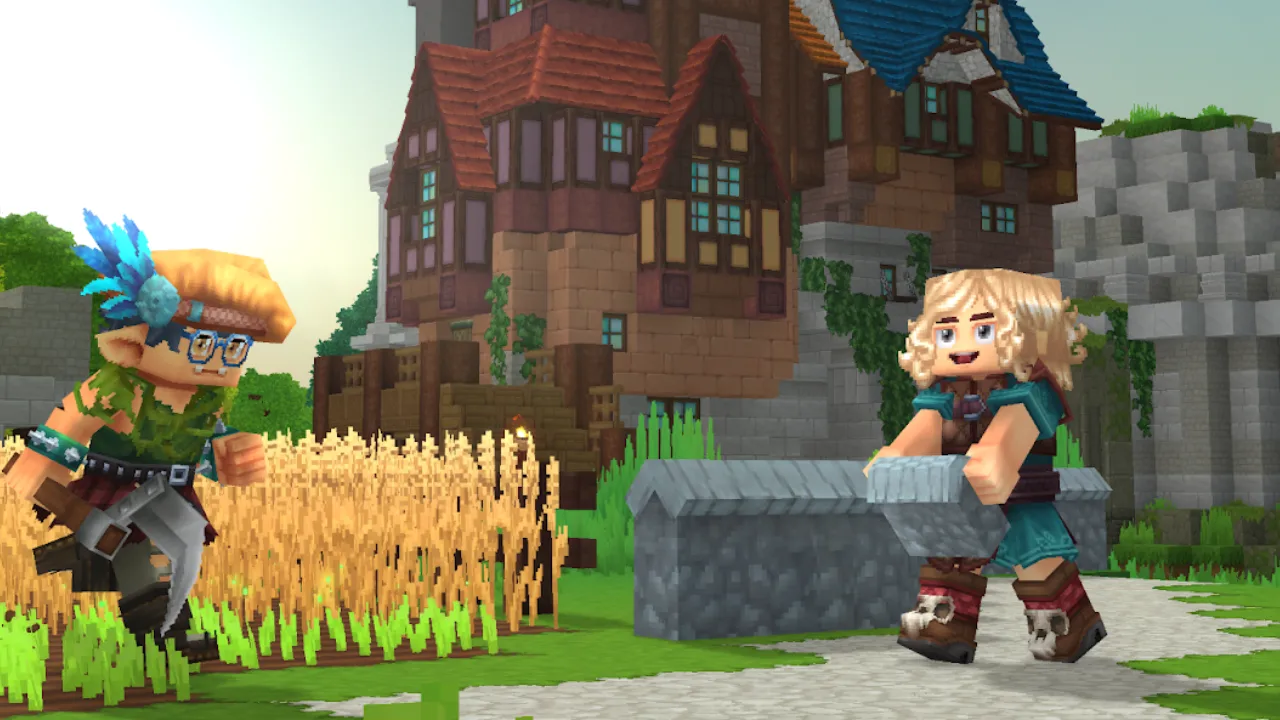
Hytale’s core appeal lies in exploring and building with friends or random players, yet the early access version drops you in the game without much hand-holding on the multiplayer side. Getting friends into your world, or keeping a server active while you sleep, isn’t obvious from the menus. This guide covers both: how to play Hytale with friends the quick way and how to host your own server that stays online around the clock.
How Does Multiplayer Work in Hytale
Hytale is a voxel sandbox developed by Hypixel Studios, the team behind Minecraft’s long‑running Hypixel server, and it reached early access on January 13, 2026. If you’ve played Minecraft, it feels familiar: procedurally generated worlds, building, combat, and a mod‑friendly core.
Every Hytale world runs on a server, even the “single‑player” mode. The game launches a local server that only you can access, making the move to co‑op very easy. From the in-game friends list you can join a partner’s world with no IP addresses to swap or configuring ports.
When a private session outgrows a handful of friends, the built‑in server browser lets you find and join community servers—a path most players follow once their own world gets cramped.
Self-Hosting vs Renting a Dedicated Server
Once you want a world that’s always there, not just when you happen to be online, you can host it yourself or rent a dedicated machine.
Self-hosting means running the server off your own PC. It’s free, and fine for a quick session with a few friends. The catch is that the server only exists while your computer is on, it eats your upload bandwidth, and a busy world will fight your games for CPU and RAM. You’re also the sole trouble‑shooter for config files and network settings when something breaks.
A dedicated server changes the equation. The world stays online around the clock, housed on hardware built for the task, while the provider guarantees uptime. If you’d rather skip the hardware and the continuos babysitting, a managed Hytale hosting service supplies the server, from dedicated hardware to a region near your friends and gives you a control panel instead of raw config files.
Here’s the trade-off side by side:
| Self-hosting | Dedicated host | |
| Cost | Free (your own hardware) | Monthly fee |
| Uptime | Only while your PC is on | 24/7 |
| Setup effort | Manual config and networking | Control panel, quick start |
| Performance | Shared with your other apps | Dedicated resources |
Play with Friends Across Platforms
A quick reality check for early access: Hytale’s first release is focused on PC, so cross-console play isn’t really on the table yet. Currently, everyone can only join from a computer. The original cross-platform engine was shelved when the studio went back to its older engine to get the game out, so console and mobile are a later-down-the-road conversation.
If you bounces between games, crossplay is probably a familiar headache. It’s wildly inconsistent across big titles, with some letting you squad up anywhere and others locking you to your platform. For a sense of how messy it gets, our breakdown of Elden Ring crossplay support and the rundown on Baldur’s Gate 3 cross-platform play show how two huge games handle, and don’t handle, crossplay across systems.
How to Set Up Hytale Server
Specs first. A small world for a handful of players is happy on a few gigabytes of RAM and a decent multi-core CPU. The more players, mods, and loaded chunks you stack on, the more memory and processing headroom you’ll want, so size up rather than down if you’re expecting a crowd. Location counts as much as raw specs: the distance between players and the server is a primary driver of ping, so if your group is spread across a region, choose a data centre that’s a fair middle ground for everyone.
Mods and plugins are central to Hytale, and they’re operated server-side, an approach Hypixel Studios laid out in their overview of Hytale’s server technology. The server streams everything a player needs when they connect, eliminating the manual file installs of classic modded setups. Your server’s personality therefore resides in its configuration files and plugin roster.
Expect rough edges. The developers have warned that early‑access builds will be buggy and patched frequently, so back up your world regularly and don’t build your dream megabase on a version that may shift under you.
Keeping Your Hytale Server Worth Log Into
A server is only as good as the reason people show up. A few habits help:
- Set clear rules early, like PvE-only zones, PvP areas, and build protection, so nobody rage-quits over a griefed base.
- Use a Discord or in-game chat to line up sessions and post downtime.
- Restart on a schedule to clear memory and roll out updates during quiet hours.
- Keep the mod list light at first and add to it as the group asks, not all at once.
None of this is complicated, but it’s the difference between a world that fills up on a Friday night and a ghost town by week three.
Hytale makes playing with friends easy by design, since the friends list and server browser do most of the work. The real decision is whether you keep that world alive on PC or hand it to a dedicated host that stays online while you’re off doing other things. Start small with a private world, see how your group plays, and scale the setup up from there.