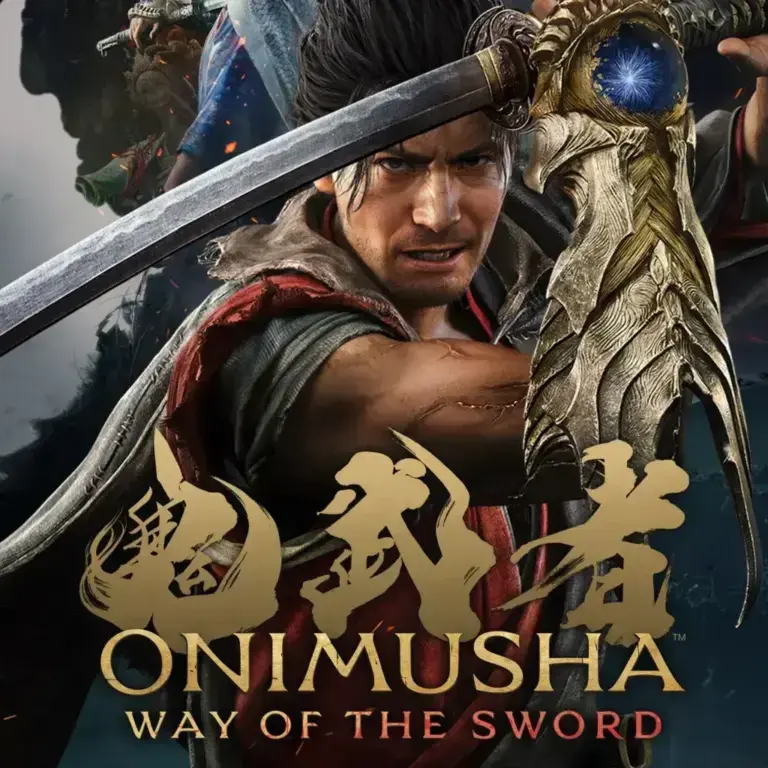
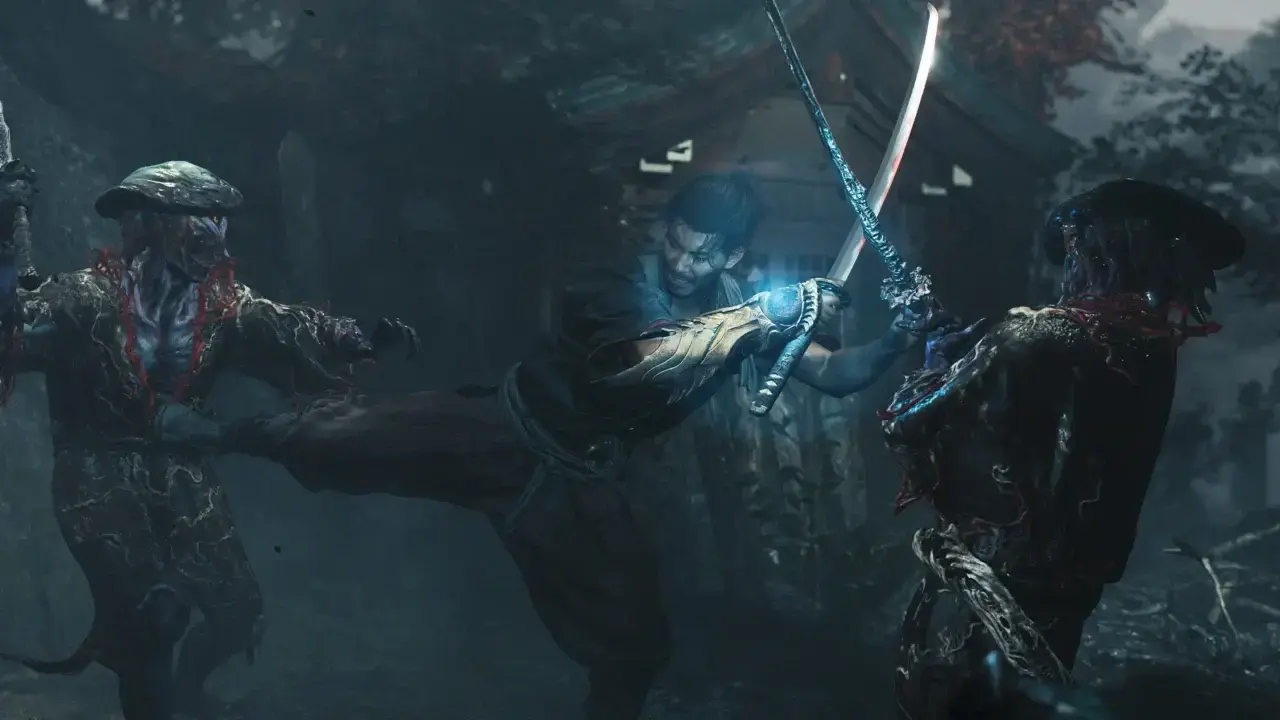
Can’t figure out how to change the difficulty in Onimusha: Way of the Sword? Even though the game says you can adjust it whenever you please, the difficulty option is missing from the main settings menu, leaving plenty of stuck players scratching their heads. Here’s how difficulty scaling works in Onimusha: Way of the Sword, where the setting is actually hidden, and how to access its post-game hard mode.
The important bit: the setting is changed at a Spirit Mirror, not in the general menu.
Onimusha: Way of the Sword Difficulty Levels Explained
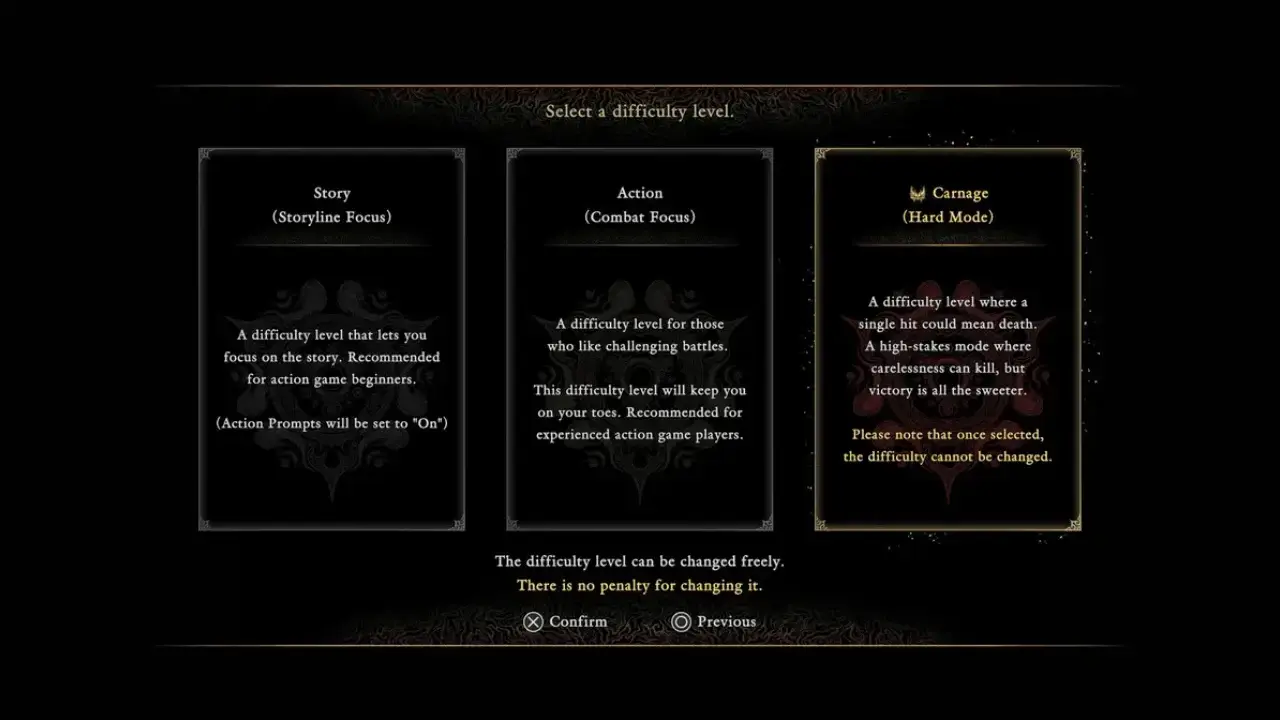
- Story: “A difficulty level that lets you focus on the story. Recommended for action game beginners.” Geared toward players who want to breeze through narrative content. Musashi deals increased health and stamina damage while taking less incoming damage, and button visual prompts for enemy attacks default to on.
- Action: “A difficulty level for those who like challenging battles. This difficulty level will keep you on your toes. Recommended for experienced action game players.” The standard option for action game veterans. Enemies deal more damage, attack prompts are turned off by default, and battles require great focus.
- Carnage: “A difficulty level where a single hit could mean death. A high-stakes mode where carelessness can kill, but victory is all the sweeter.” The hard mode of Onimusha: Way of the Sword. A single stray hit will kill you, though it can’t be selected on a fresh first playthrough and permanently locks your difficulty once chosen.
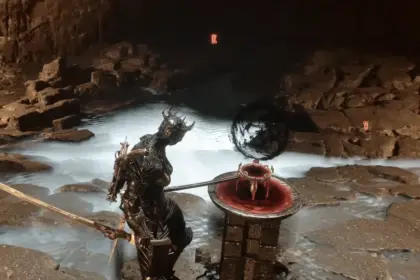
You can switch between Story and Action modes anytime during a normal playthrough. Find a Spirit Mirror, the save points used throughout the game, and interact with it. In the menu, select Change Difficulty Level and choose your preference.
This is the only way to adjust settings because the main menu lacks a difficulty option, which confuses a lot of players. You can also reduce the difficulty in the middle of a fight, but keep in mind that this only works in one direction.
How to Decrease or Increase Difficulty
If Action difficulty keeps beating you down, you can take a shortcut. After dying multiple times to the same boss or group, a red prompt pops up on your death screen. Clicking it instantly switches your game to Story difficulty, but this option does not appear after your first death.
When you’ve changed to Story mode through the death screen, you cannot switch back to Action the same way. To increase the difficulty again, you have to do it from the difficulty menu via Spirit Mirror.
Carnage (Hard Mode) and New Game Plus
Carnage mode only unlocks after you complete the main story once. Starting a Carnage allows you to launch a fresh save or carry over progress via New Game Plus (NG+).
What carries over to NG+:
- Awakened Oni abilities alongside enhanced basic and special abilities
- Hozuki Pouches and pouch upgrades
- Charms, charm upgrades, and unlocked outfits
- General items, offerings, and select inventory materials
- Tutorial drills, boss rematch progress, Genma Notes, and rescued Lion Dogs
What does not carry over:
- All weapon and gear upgrades (Clothing, Sword, Gauntlet) and their associated upgrade materials
- Red souls, side quest progress, and story progression
- Unlocked Spirit Mirror save locations
- The Oni bow
You can also tweak your combat experience even further by playing around with the gameplay aids. Action Prompts, Tips, and Navigation UI icons can be changed separately from the main difficulty setting. That means you can keep the Action challenge while removing some on-screen help, or leave the prompts enabled while playing on a hard setting.