Sponsored Content Disclosure: This article includes sponsored partner placement alongside independent gameplay and economy analysis. In accordance with our Editorial Standards and Corrections Policy, the GamesRecon Editorial Team retains full editorial control over all testing, factual verification, odds explanations, and risk warnings. Commercial partnerships never influence our editorial advice or coverage of platform limitations. All outbound commercial links are tagged rel="sponsored" following Google Search guidelines. In-game item economies, drop pools, and regional regulations change with time, so always verify current terms directly via Steam and Valve updates.
Responsible Play & Terms Notice: Opening weapon cases and using third-party skin or case battle platforms puts real money at risk. Most drops are worth less than you pay to open them, so never treat CS2 cases or skin sites as an investment or source of income. These third-party platforms operate outside Valve’s official ecosystem and may carry risks under the Steam Subscriber Agreement, including account or trade restrictions; use these services at your own risk. If gambling stops being fun, contact 1-800-GAMBLER or use a blocking tool like Gamban. This is strictly for adults 18+ only.
Counter-Strike 2 keeps releasing new weapon finishes, collections, and container formats through regular updates, giving players plenty of ways to customize their loadouts beyond simple case-and-key unboxings. Between traditional weapon cases, 7-day collection rentals, the Armory Pass, Sealed Terminals, and third-party skin platforms, you need to understand how each system works and the odds play out so you can avoid wasting money on bad rolls.
How We Verified This Guide: The mechanics, container pools, and probabilities below were cross-checked against Valve’s official CS2 update notes, published Perfect World rarity disclosures, and active Steam Community Market rules as of November 2026. Note that official drop percentages apply only to in-game Valve containers, not third-party websites.
Official CS2 Case Odds & What Opening Costs
Based on Valve’s disclosed rarity scale, every normal case pull follows fixed probabilities regardless of how much the case itself costs on the market:
| Rarity Tier | Color | Official Drop Probability | Approximate Odds |
|---|---|---|---|
| Mil-Spec | Blue | 79.92% | ~4 in 5 openings |
| Restricted | Purple | 15.98% | ~1 in 6 openings |
| Classified | Pink | 3.20% | ~1 in 31 openings |
| Covert | Red | 0.64% | ~1 in 156 openings |
| Rare Special Item (Knife / Gloves) | Gold | 0.26% | ~1 in 385 openings |
Nearly 96% of all standard case openings fall under the Blue (Mil-Spec) or Purple (Restricted) tiers. When you factor in the cost of a case and a $2.49 key, opening cases for profit always loses money over the long run. Treat official unboxings only as entertainment, or use the inspection, rental, and direct-market tools below if you just like to have specific skins for your loadout.
How to Explore CS2 Weapon Cases Before Spending
1. Inspect Contents Inside CS2 or on the Steam Market
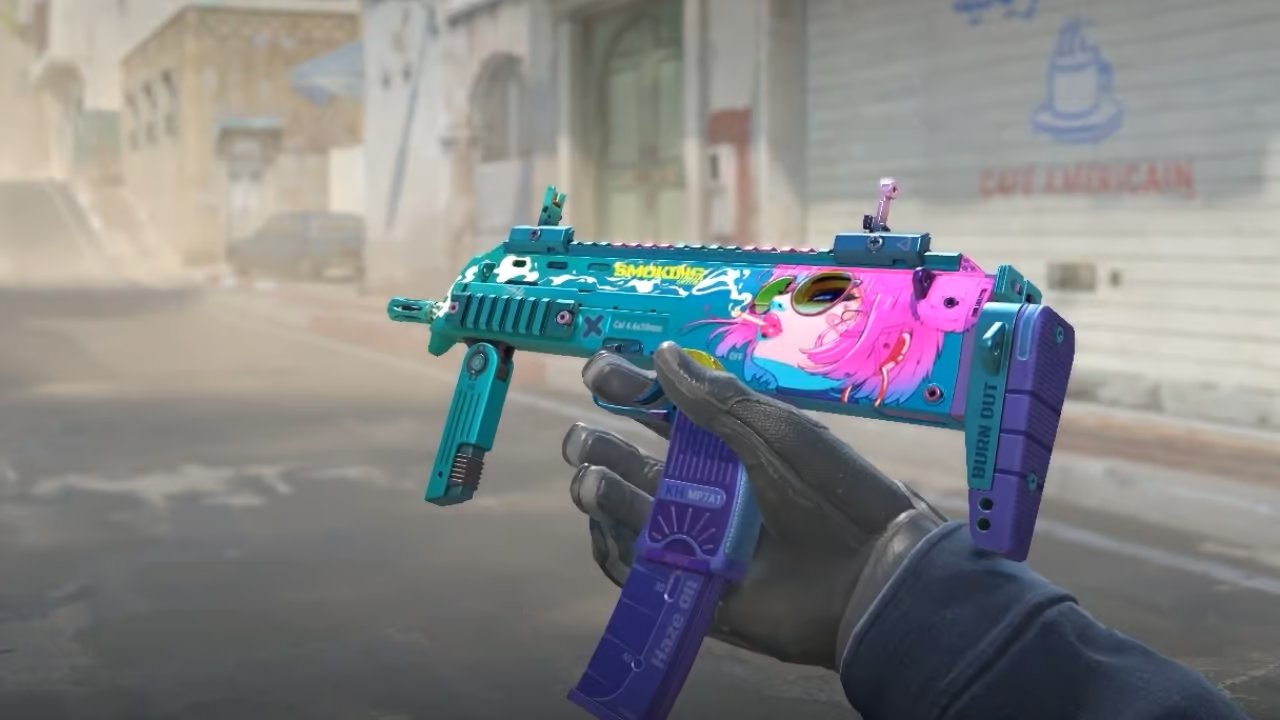
You can view every skin in a container without spending anything. Click a case in your CS2 inventory or search for it on the Steam Community Market to preview its full tier breakdown—from Mil-Spec Blues up to Covert Reds—along with an in-game inspection preview of wear and pattern placement.
For players browsing third-party skin entertainment formats outside the game, multiplayer options like case battles let participants open virtual cases alongside other people and see who gets what. Though remember that these platforms set their own house odds, fees, and item pools. They do not reflect Valve’s official 0.26% gold drop rates, and you should never use outside unboxings to estimate your odds on Steam.
2. Rent Skins for 7 Days Before Buying
Inspecting a skin on a menu screen looks very different from holding it during a Premier match. CS2 addresses this with its 7-day collection rental option across weapon cases:
- How it works: Instead of rolling one permanent random skin, consuming a weapon case and a $2.49 key via the rental option unlocks every regular weapon skin in that case for seven days.
- Important limits: Rare Special Items (knives and gloves) are excluded from rentals, the rented skins cannot be modified with stickers or name tags, and both the case and the key are permanently consumed once the week ends.
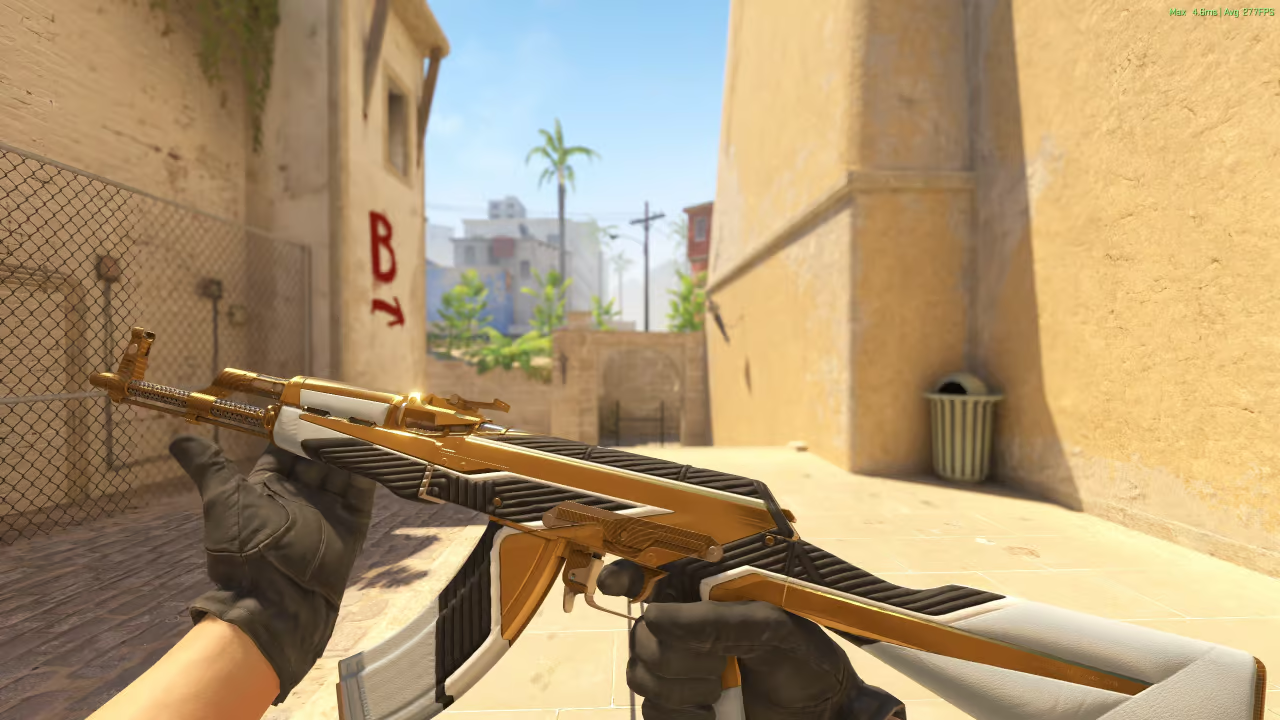
- Best use case: Renting is a low-cost method to test a new Rifle or AWP finish in live matches before you commit $30–$150+ to buy a permanent copy.
3. Check the Gold Slot Pool Carefully
Two cases might cost the same $2.49 key to open yet contain totally different rare items. Some containers limit their gold slot to just one knife, while others mix multiple old knife models or glove finishes. Make sure you check which specific items actually drop before you buy discontinued cases at high market prices.
CS2 Container Types Compared
| Format | Key Required? | Gold Items Included? | How You Get the Skin | Best For |
|---|---|---|---|---|
| Standard Knife Cases | Yes ($2.49) | Knives | Random 1-roll spin | Chasing classic knife finishes |
| Glove Cases | Yes ($2.49) | Gloves (no StatTrak) | Random 1-roll spin | Loadouts focused on first-person gloves |
| Sealed Terminals | No | Dead Hand: Gloves Genesis: None |
Up to 5–6 priced offers to accept or pass | Players who want to see price & wear before paying |
| Direct Market Purchase | No | Yes (buy directly) | Instant buy at market price | Saving money vs. low odds RNG |
Cases with Knives
Most traditional cases place knives in the 0.26% gold slot, though availability varies a lot by release:
- Single knife cases: The Operation Breakout Weapon Case exclusively drops Butterfly Knives in its gold slot, while the Kilowatt Case always guarantees the Kukri Knife.
- Finish-focused cases: Lines like the Chroma series are prized for finishes like Doppler and Marble Fade across classic knife models.
Cases with Gloves
Certain containers, including the Glove Case, Clutch Case, and Revolution Case, replace knives with gloves in the rare slot. Because gloves stay visible on-screen with every weapon and utility item you have, they’re popular centerpiece items.
Note: Gloves don’t drop in StatTrak versions in Counter Strike 2.
Sealed Terminals (Genesis & Dead Hand)
Introduced as an alternative to blind key-and-case spins, Sealed Terminals work like a structured, private storefront:
- No key needed: You can open the terminal directly without purchasing a $2.49 key.
- See before you buy: The terminal shows a specific skin, its exact wear/float condition, and a set purchase price. If you dislike the offer, you can reject it and move to the next one—up to five offers total (with a rare chance at a sixth on the Dead Hand Terminal). Rejecting all offers destroys the terminal with nothing gained.
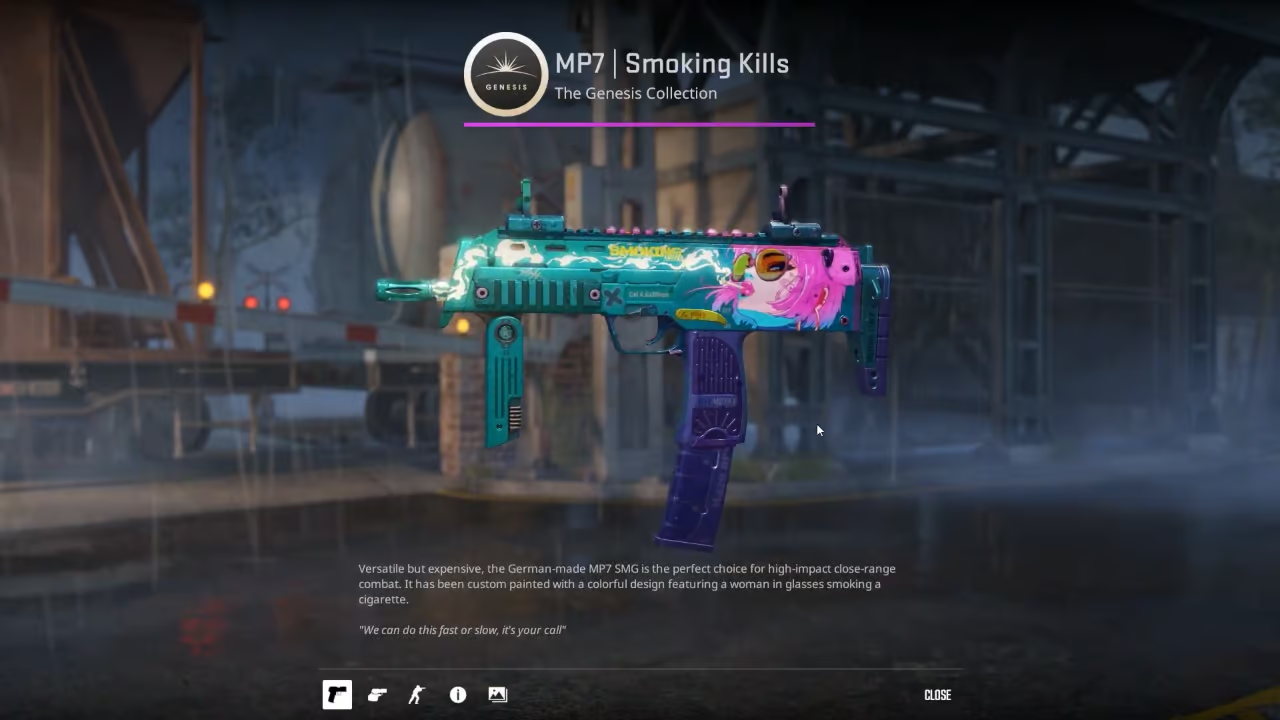
- Genesis vs. Dead Hand: The Genesis Terminal introduced the format with 17 community weapon skins and zero gold items. The Dead Hand Terminal expanded the system in 2026 by introducing 22 glove finishes along with 17 weapon skins, and an Original Owner Certificate tagging the first player to claim an item.
How to Get CS2 Cases and Skins
Weekly Care Packages
The cheapest way to get CS2 cases is simply by playing on official servers. If your account has Prime Status, which costs a one-time $14.99 fee on Steam, you get a Weekly Care Package the first time you rank up your XP every week. The game presents four rewards and lets you pick two, usually a weapon case or terminal from the active drop pool alongside a weapon skin or graffiti. Legacy cases from the rare drop pool can still appear, though at a much lower rate.
The Armory Pass
The Armory Pass costs $15.99 and is like a permanent reward track instead of a timed Operation. You need Prime Status for this one. As you earn XP in official Valve modes (third-party services like FACEIT do not count toward pass progress), you unlock up to 40 Armory Credits (“stars”) per pass, with up to five passes stackable at once. You can spend these credits in the Armory on weapon collections, cases like the Gallery or Fever Case, stickers, and weapon charms.
Steam Community Market & Regional X-Ray Scanners
If you want a specific discontinued case right away, you can buy it on the Steam Community Market. Newly active cases often trade for well under a dollar, while rare legacy cases cost a lot more and still require a $2.49 non-tradable key bought in-game to open.
Players in regulated European jurisdictions, particularly France, the Netherlands, Germany, and Switzerland, open containers via Valve’s mandatory X-Ray Scanner tab instead of a roulette wheel. The scanner reveals the exact skin inside a case before you spend money on the key, though you must claim whatever item the scanner reveals (starting with a one-time, non-tradable Genuine P250 | X-Ray) before checking another container.
Buy the Exact Skin Directly (Usually the Smartest Option)
Unless you are redeeming free weekly drops for fun, buying your preferred skin directly from the Steam Community Market—or verified, reputable player-to-player marketplaces—is almost always smarter than gambling on cases and keys. The odds of getting a pink or red drop are tiny. For example, twenty keys alone cost $49.80 before you even pay for the cases, and that kind of money easily covers a clean, field-tested Covert skin with no random luck involved.
Related Reading on GamesRecon
Online Card Ripping: How Digital Pack Platforms Work and What Collectors Need to Know | Browse More GamesRecon Strategy & Economy Guides | Visit Our Esports Coverage Hub
Editorial Staff & Review Process: This guide was written, fact-checked, and reviewed by the GamesRecon Editorial Team in accordance with our Editorial Standards and Corrections Policy.