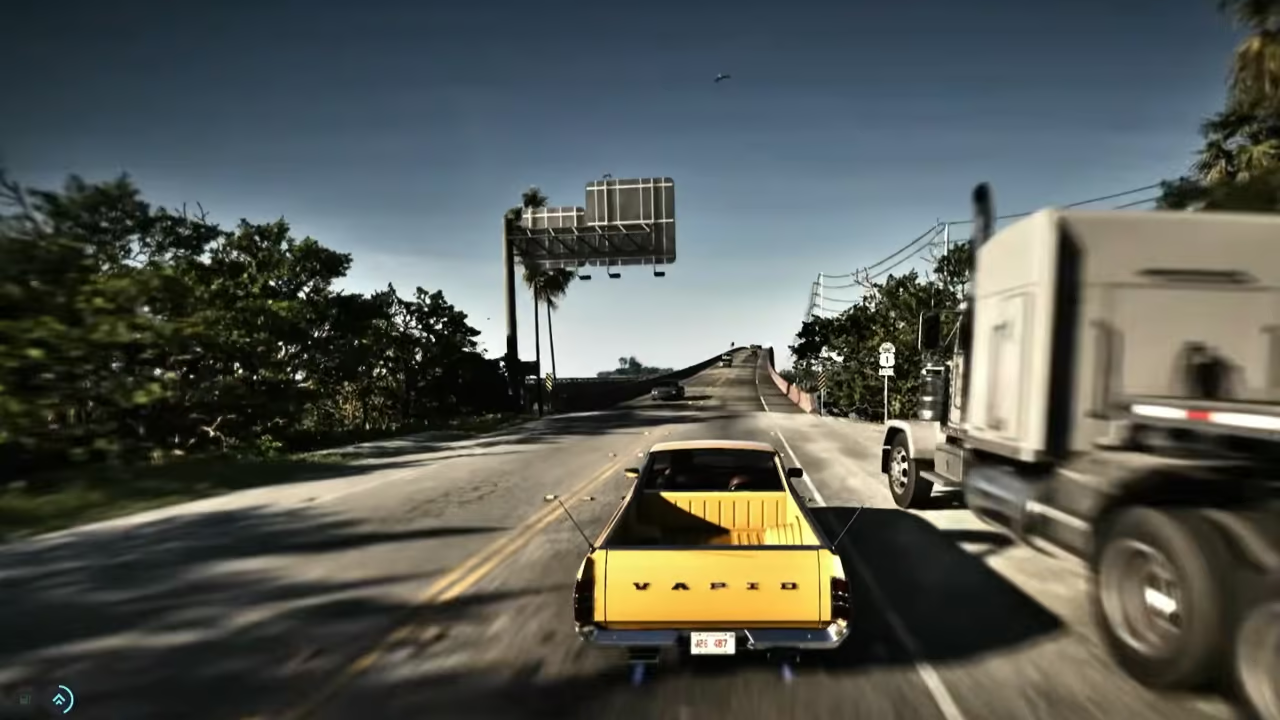
Nitrous is back in a mainline Grand Theft Auto entry for the first time since San Andreas, thankfully turning almost any ride in Leonida into a rocket for police chases or stunt jumps. Vehicle customization has always been a highlight of the series, though Rockstar removed it from GTA 4, then reintroduced it in GTA 5, and now in Grand Theft Auto VI, it’s been the best we’ve ever seen.
Installing Nitrous in a car costs a flat $5,000, which feels very expensive during Chapter 1, yet knowing where to buy the upgrade, how to trigger it without fighting the controls, and where to steal cars that already have nitrous installed saves you plenty of money and frustration.
How to Get Nitrous in GTA 6
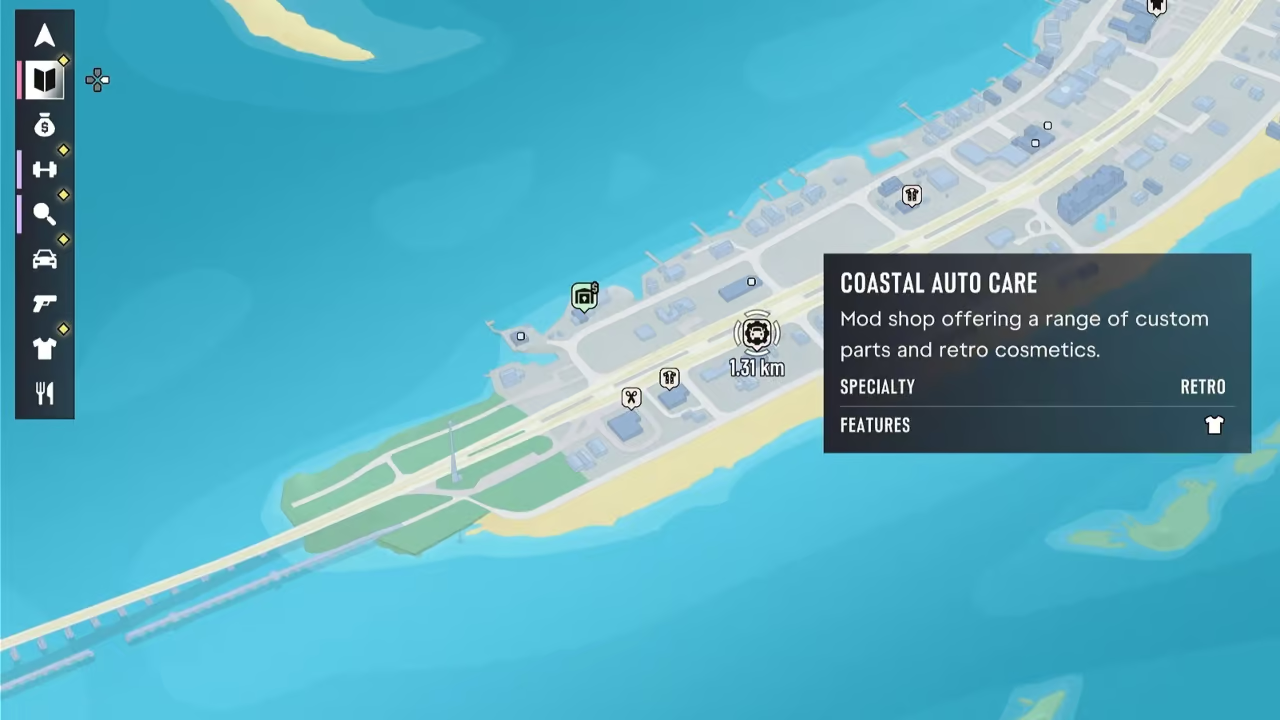
First, skip regular Pay ‘n’ Spray garages, because they won’t sell you Nitrous. Open the map, tab over to Vehicles, and scroll down to Mod Shops to find a customization garage like Coastal Auto Care, Ride Out Customs, Vice Vinyl, or One-Eyed Willie’s. Even specialist shops only for wraps, liveries, or lowriders have Nitrous Boost for almost every car, and bike mod shops install it on motorcycles too.
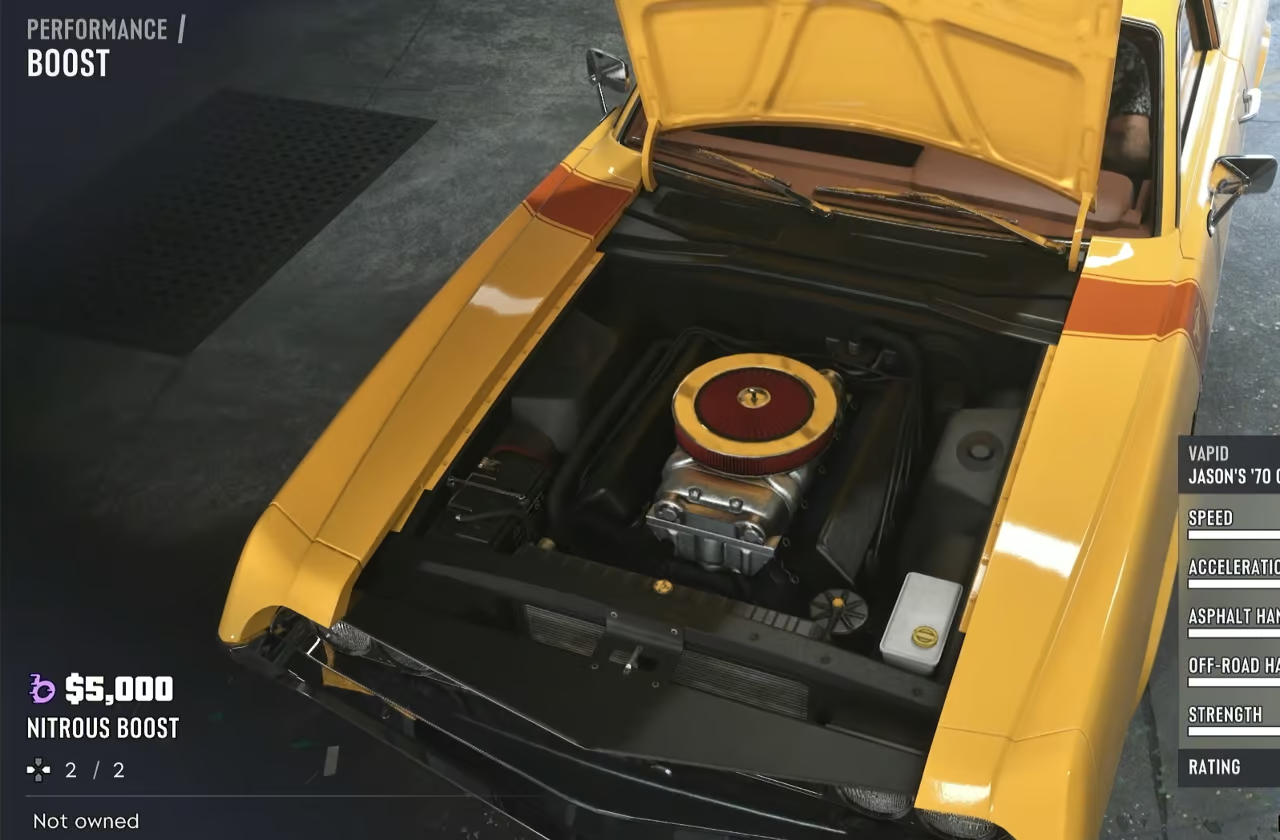
Drive inside the garage, go to the Performance tab, then Boost, and buy the Nitrous Boost upgrade for $5,000. Keep three things in mind while you’re at it:
- It uses BuckMe bank funds, not pocket cash: If your checking balance is short, open the BuckMe app on your in-game phone and hit an ATM to deposit cash first. Damaged cars also cost a repair fee before mechanics let you customize, so drive carefully on the way over.
- The speed gain varies by vehicle: You pay the same five grand fee for any car or bike, but how much speed a vehicle gains differs from model to model. The upgrade might add up to +0.5 acceleration on one ride while barely nudging another by +0.1.
- Don’t waste it on unregistered cars: You can technically install Nitrous on a stolen car, though losing that vehicle without storing it in a garage or registering it in your name will waste your money.
You can also skip paying altogether by stealing customized NPC cars or rides parked at gang hideouts, since many of those already have Nitrous installed.
How to Use Nitrous in GTA 6
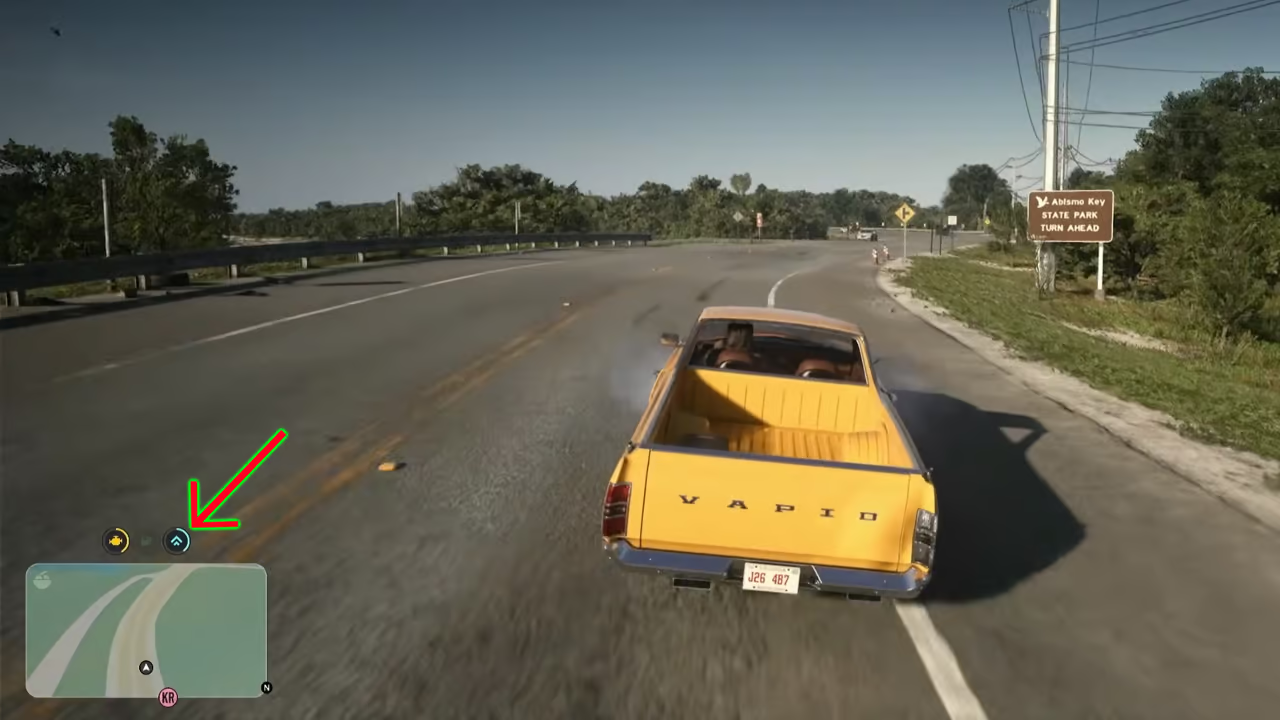
Once installed, hold R2 on PlayStation 5 or RT on Xbox to accelerate, then press and hold the left stick (L3 on PS5 / LS on Xbox) while driving. Normally, that stick sounds the horn, and tapping it at a dead stop or off the gas still honks; holding it down at speed activates the boost. Muscle cars get twitchy fast under Nitrous Boost, so save long burns for straight highways instead of tight city corners.
Holding down the left stick while steering through traffic bothers some players. If that’s the case for you, open Settings > Gameplay, and change the Nitrous option from Hold to Press so a single click can trigger your speed boost.



Press Down on the D-pad while driving to check your vehicle’s gauges right above the minimap and confirm if a stolen civilian car already has Nitrous. Rides equipped with it show a blue icon and gauge next to their fuel and engine health displays. The fast speed stops after the blue meter is fully drained, though you don’t have to pay for refills or visit a station. Just keep driving normally without Nitrous, and the gauge automatically refills to full within 30 to 60 seconds. After that, you’re good to pace up the car again.